Basic
QAR 149 / month
Startups, sole traders, one location
Confirm package
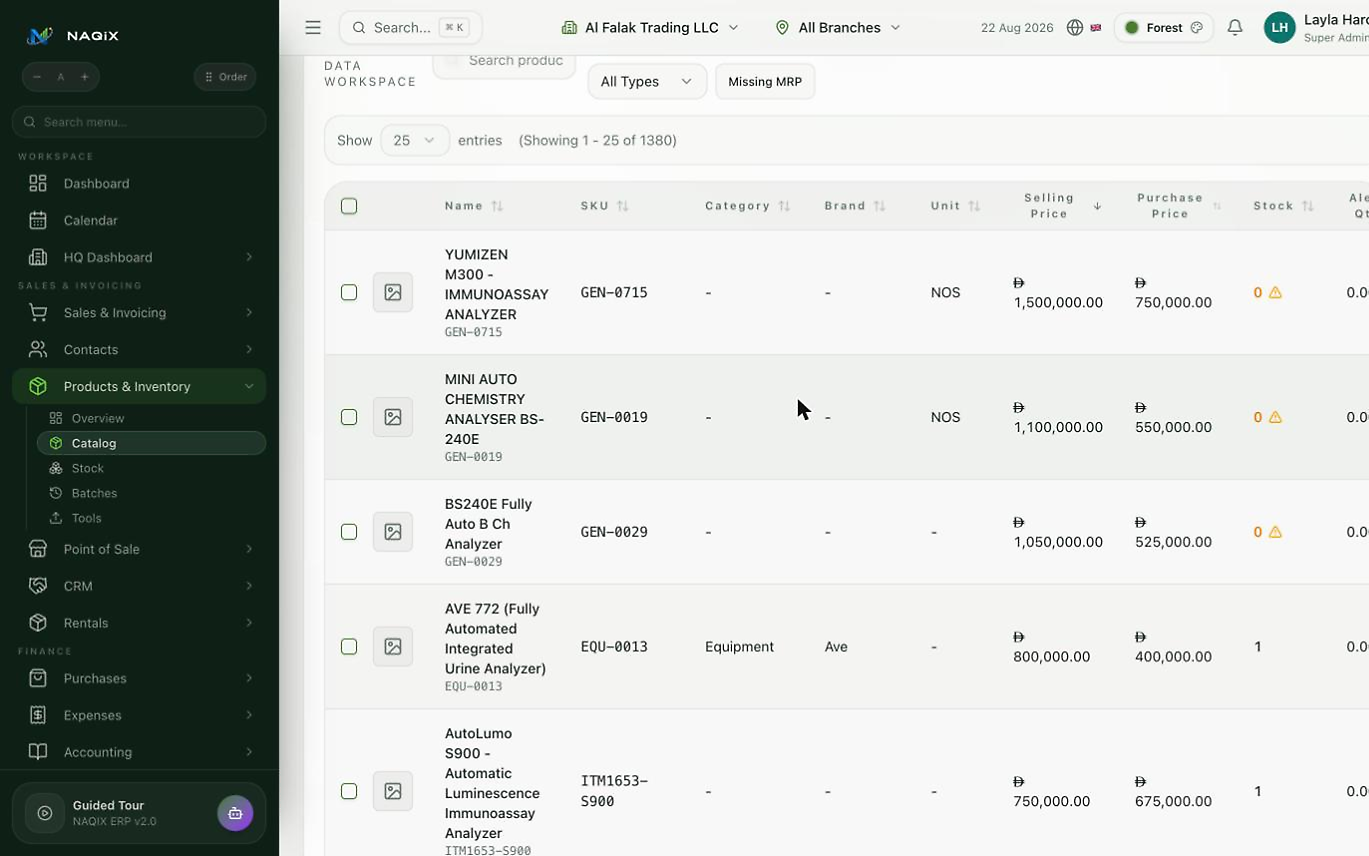
Sales, stock and customer-balance workflows. Connect the daily work across your branches, then review the records behind every balance.
Configure taxes only where applicable to your legal entity. Confirm local document requirements; country selection does not automatically enable VAT or statutory filing.
The website country does not change your tenant's country, accounting currency, taxes or permissions.
Monthly base subscriptions. Add-ons and applicable taxes are confirmed at checkout.
QAR 149 / month
Startups, sole traders, one location
Confirm packageQAR 349 / month
Growing retail, wholesale and trade
Confirm packageQAR 699 / month
Rentals, assets, manufacturing, multi-branch
Confirm package